
Frame-accurate cuts
Drag the handles on the timeline, type 1:05:30 or press I and O. The clip starts exactly where you want.
VODSlice downloads only the part you pick from Kick, Twitch or YouTube. Not the whole VOD, no waiting, no length limit. Clips ready for TikTok, Shorts and Reels.
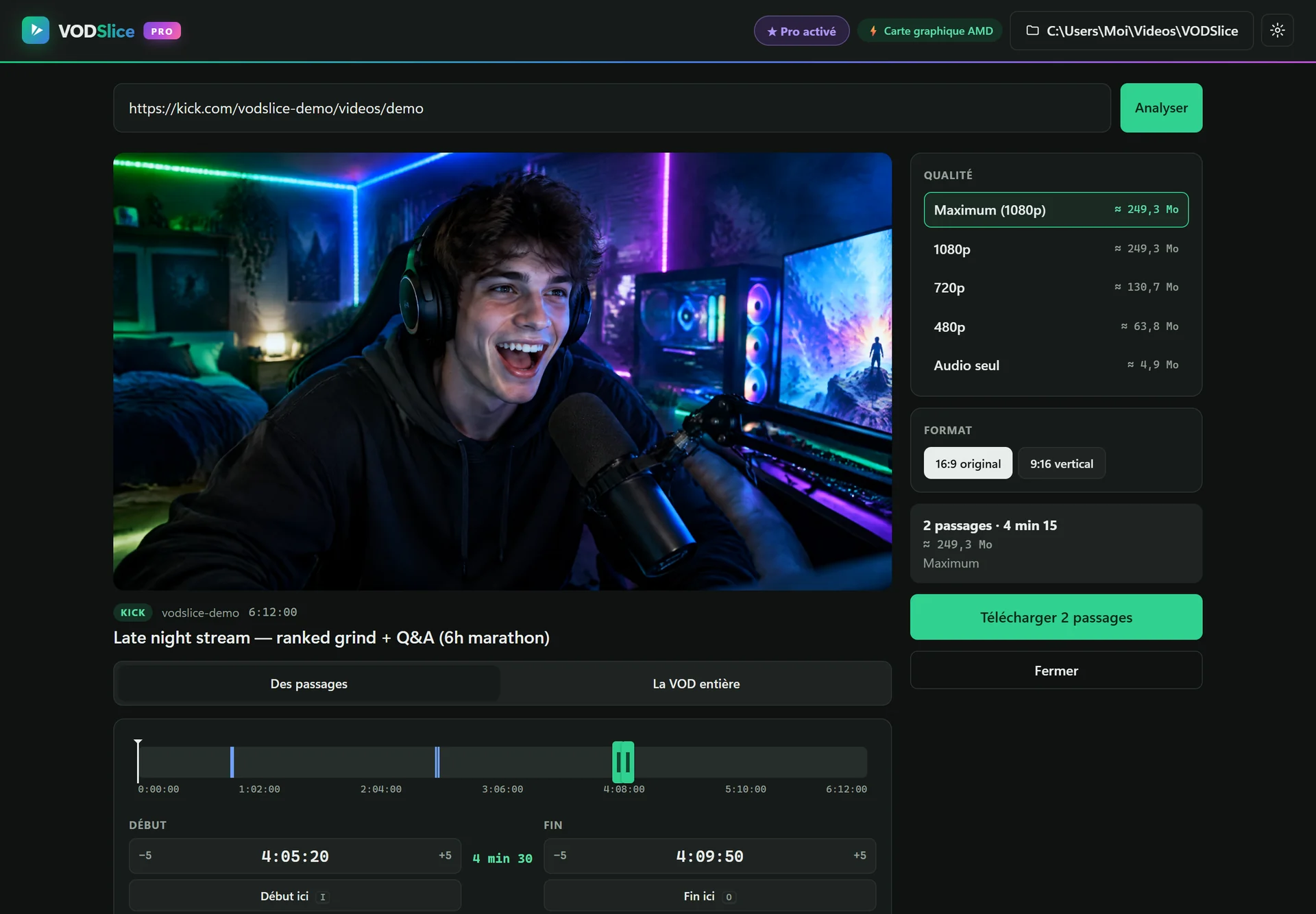
Fictional streamer and channel, AI-generated image for illustration.
Online tools were built for 10-minute videos, not 8-hour streams.
One app, from pasted link to ready-to-post clip.
Drag the handles on the timeline, type 1:05:30 or press I and O. The clip starts exactly where you want.
Only the selected part is downloaded, then encoded by your NVIDIA, AMD or Intel graphics card.
Add 5, 10 or 20 highlights from the same VOD and get them all in one go, named.
Blurred background or full-screen crop at 1080×1920, ready for TikTok, Shorts and Reels.
Watch the VOD inside the app to find the right moment before downloading.
Sites change often: the download engine updates itself, no reinstall needed.
A Kick, Twitch or YouTube VOD, even 10 hours long. Timestamps in the link are picked up automatically.
Use the preview and timeline, or type the times. Add as many clips as you like.
Choose quality and format. Size and time are estimated before you start.
Turn your best moments into vertical videos without opening an editor.
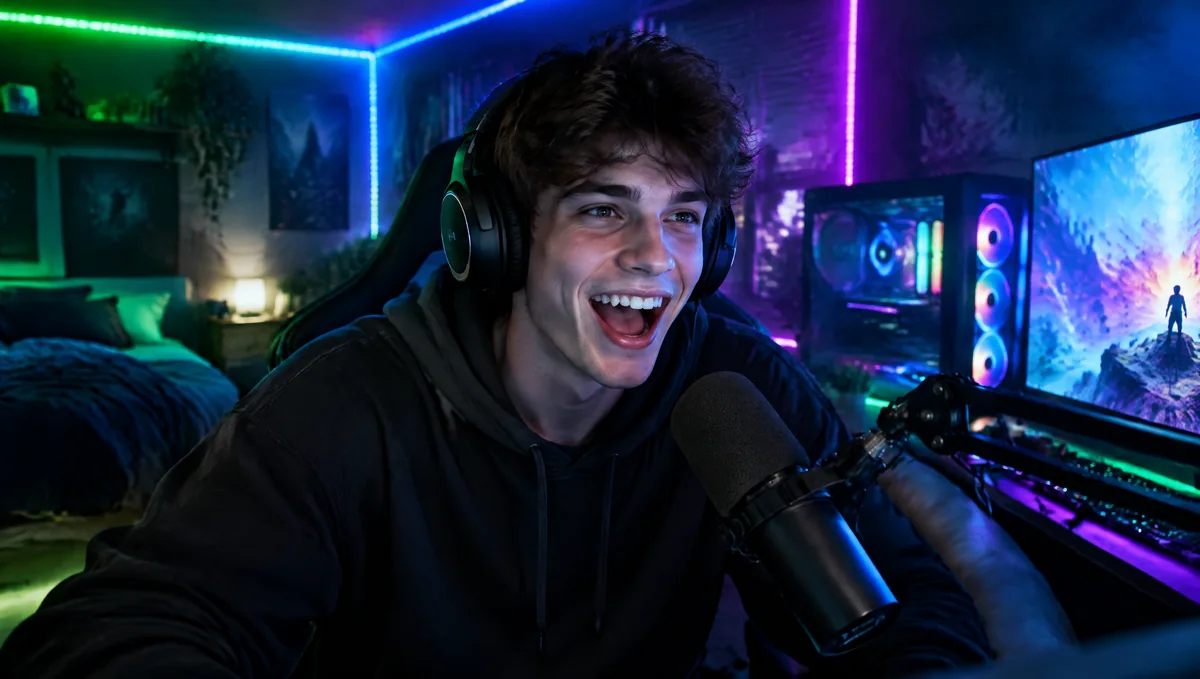 Blurred background
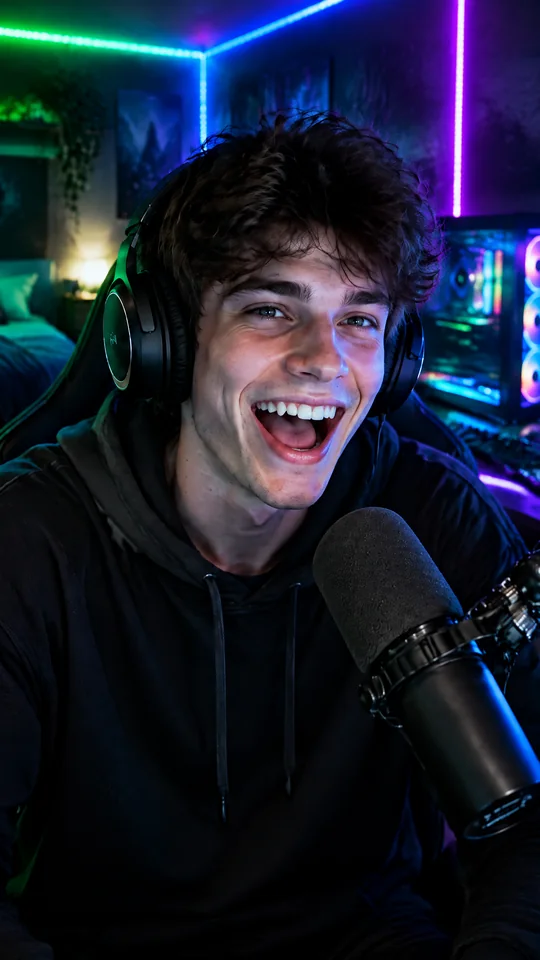 Full screen
| VODSlice | Online sites | Classic downloaders | |
|---|---|---|---|
| VODs longer than 1 hour | ✓ Yes, 10 h and more | ✕ Often blocked | ✓ Yes |
| Download just one part | ✓ Yes, to the second | ✕ Rarely | ✕ Rarely |
| Preview to find the moment | ✓ Yes | ✕ No | ✕ No |
| Kick support | ✓ Yes | ✕ Rarely | ✕ Rarely |
| 9:16 vertical export | ✓ Yes, built in | ✕ No | ✕ No |
| Ads, pop-ups | ✓ None | ✕ Lots | ✓ Varies |
| GPU encoding | ✓ NVIDIA, AMD, Intel | ✕ No | ✕ Sometimes |
The free version never expires. Upgrade to Pro when you need more.
To try it out and for occasional use
For creators and regular clippers
Secure checkout by Lemon Squeezy · taxes calculated at checkout · 14-day refund if the app isn't right for you
Yes. The free version has no time limit: up to 720p, with clips up to 2 minutes. Pro unlocks max quality, long clips, batch clipping and GPU encoding.
Online sites route everything through their own servers: they cap length, queue you and often fail on long VODs. VODSlice downloads straight from your connection, with no middleman and no length limit.
Yes, that's why VODSlice exists. Only the selected part is downloaded, so a 2-minute clip from a 10-hour VOD takes seconds.
Kick, Twitch and YouTube first, plus hundreds of other video sites through the open-source yt-dlp engine, updated automatically.
VODSlice is a tool, like a screen recorder. Use it for your own content or content you have the right to reuse, and follow each platform's terms. See our terms of use.
Yes, it's the usual SmartScreen warning for new apps. Click "More info" then "Run anyway". The app contains no ads and no bundled software.
A Pro license activates on 2 PCs. You can deactivate it from the app settings to move it to another PC.
VODSlice runs on Windows 10 and 11. A Mac version is being considered.