
From stream VOD to TikTok and Shorts in one step
Select your best moments in a long VOD and export them directly as vertical 1080×1920 videos. No editor, no re-upload, no watermark with Pro.
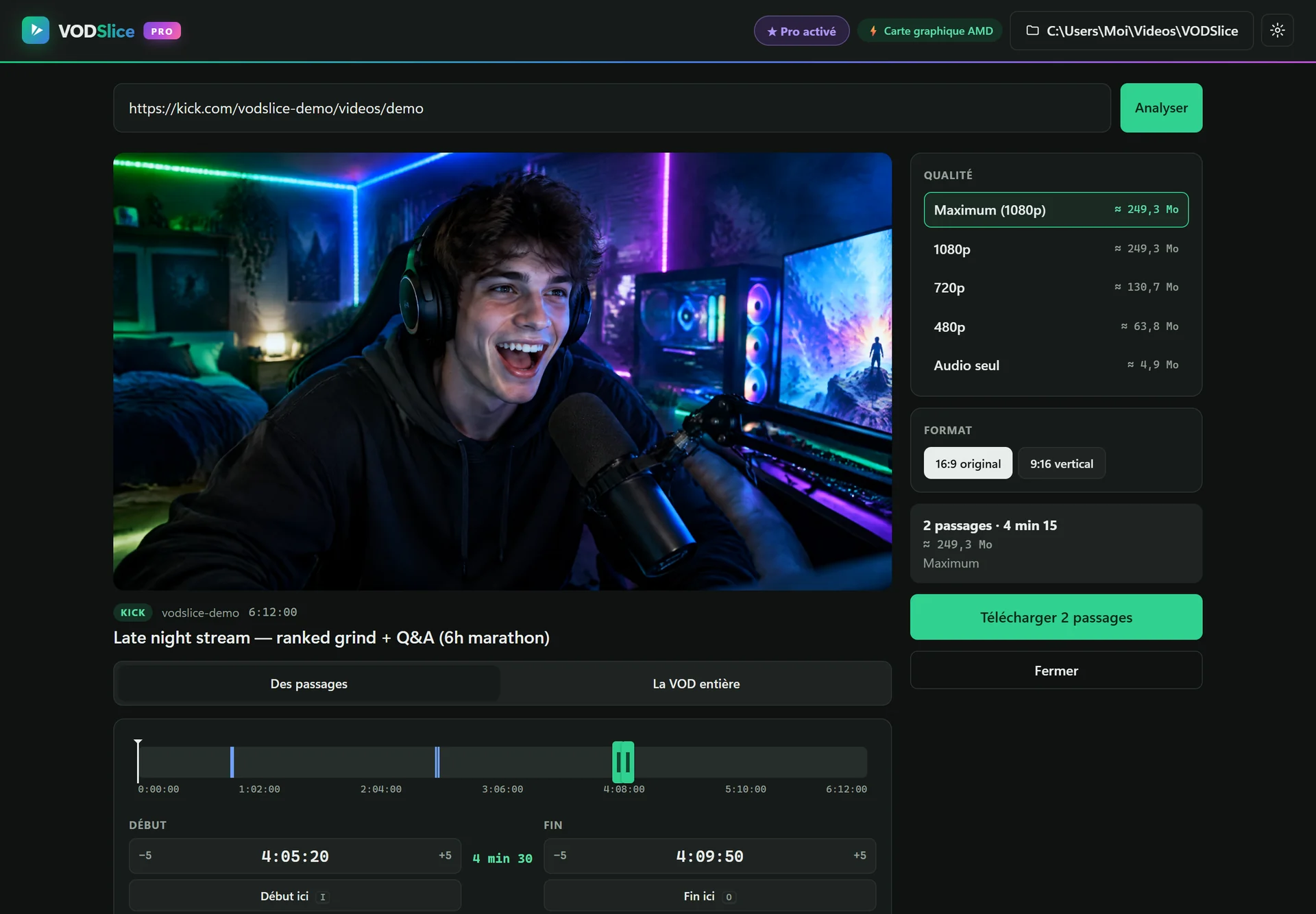
Clipping streams for short-form shouldn’t take an evening
The usual workflow is painful: download the full VOD, open an editor, find the moment, reframe it to 9:16, export, repeat. For a clipper or a streamer posting daily, that’s hours every week.
VODSlice does the cut and the vertical reframe in a single pass, encoded by your graphics card. Pick “blurred background” to keep the whole frame visible or “full screen” for a centered crop.
From stream VOD to TikTok and Shorts in one step
Paste your VOD link
Kick, Twitch or YouTube, any length.
Mark your highlights
Add as many clips as you want from the same VOD, each with a name.
Choose 9:16
Blurred background or full-screen crop, 1080×1920.
Export and post
Files are ready for TikTok, Shorts and Reels, named after your clips.
FAQ
Which vertical modes are available?
Blurred background (the whole 16:9 frame centered on a blurred copy) and full screen (a centered 9:16 crop).
Is there a watermark?
The free version adds a small VODSlice watermark on vertical exports. Pro removes it.
Can I export several clips at once?
Yes with Pro: add multiple highlights from the same VOD and export them in one go.
Does it add captions?
Not yet. Export the vertical clip, then add captions in TikTok, CapCut or YouTube.